

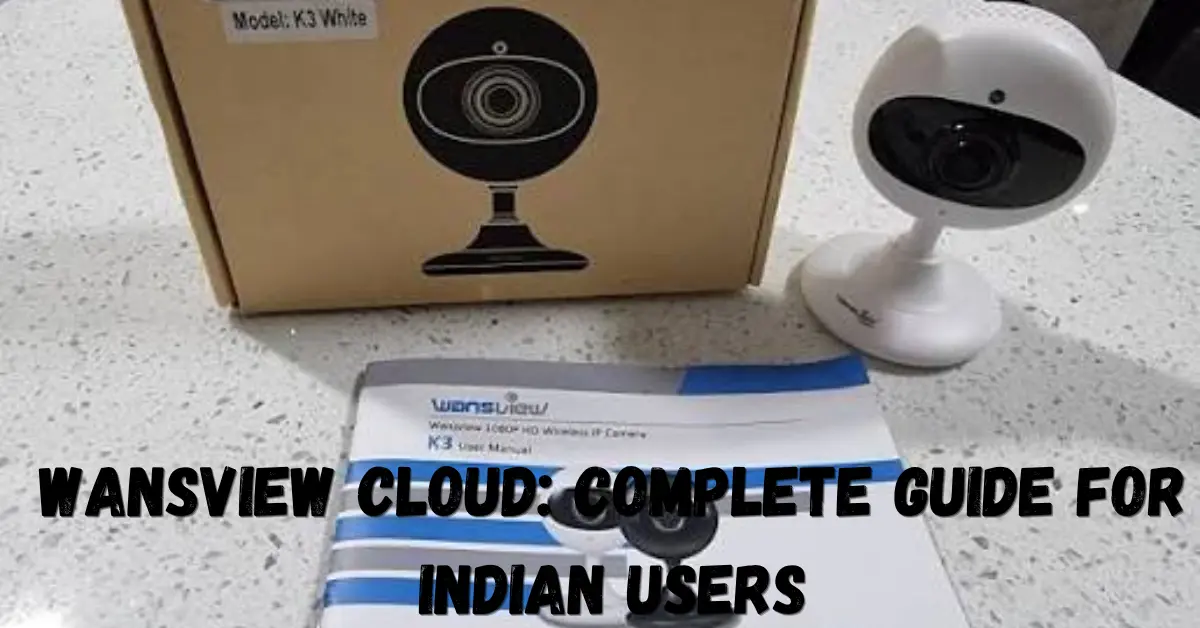
Wansview Cloud is a camera management and cloud-storage solution that lets users monitor compatible Wansview security cameras through an app, review recordings, receive alerts, and access camera feeds remotely. For users in India, understanding how the system works can make home, office, shop, and small-business monitoring easier.
This guide explains Wansview Cloud features, setup requirements, cloud and SD-card storage, common problems, security considerations, and practical tips for getting better results from a compatible Wansview camera.
What Is Wansview Cloud?
Wansview Cloud is the software ecosystem used with compatible Wansview cameras for remote viewing, camera management, alerts, playback, and optional cloud recording.
The system connects a compatible camera to Wi-Fi and allows users to access the camera through the Wansview Cloud app. Depending on the camera model, features can include live viewing, motion alerts, two-way audio, night vision, pan-and-tilt controls, SD-card recording, and cloud storage.
Wansview states that compatible cameras can be used without purchasing a cloud-storage subscription. Cloud storage is an optional service rather than a universal requirement.
How Does Wansview Cloud Work?
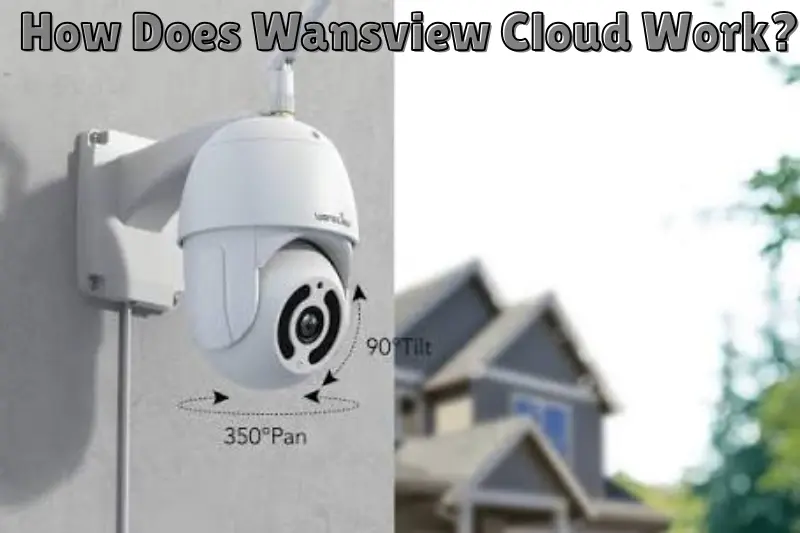
The basic process is straightforward: connect the camera to a supported Wi-Fi network, add it to the Wansview Cloud app, and manage the device from your phone or another supported platform.
Once configured, users can typically:
- Watch a live camera feed remotely
- Receive motion notifications
- Review recorded footage
- Use two-way audio on supported models
- Save recordings locally or in the cloud
- Share camera access with family members
- Control supported pan, tilt, and zoom functions
Some newer Wansview models also support newer Wi-Fi configurations, while other models may require 2.4GHz Wi-Fi. Therefore, checking the specifications of the exact camera model is important before installation.
How to Set Up Wansview Cloud
Setting up a compatible Wansview camera normally involves a few basic steps.
1. Install the App
Install the official Wansview Cloud application on your compatible device and create or sign in to your account.
2. Connect the Camera
Power on the camera and follow the application’s device-setup instructions. Make sure the camera is within a reliable Wi-Fi range during initial configuration.
3. Add the Device
Use the app to add the camera to your account. Follow the on-screen pairing and network instructions for your specific model.
4. Test Live View
After successful setup, open the camera from the device list and check the live feed. Test motion alerts, audio, and other features supported by your model.
5. Configure Recording
If your camera supports a microSD card, configure local recording through the application. If you prefer online backup, check the available Wansview cloud plans and activate the appropriate option.
Wansview’s support documentation explains that cloud plans can be accessed from the Cloud section of the app and that available plans and features may vary.
Wansview Cloud Storage vs SD Card Storage
The biggest decision for many users is whether to use cloud storage, local storage, or both.
| Feature | Cloud Storage | SD Card Storage |
|---|---|---|
| Storage location | Online server | Camera memory card |
| Recurring cost | May require subscription | Usually no monthly fee |
| Remote access | Convenient | Depends on camera/app |
| Camera damage or theft | Footage may remain online | Card could be lost with camera |
| Internet dependency | Important for uploading | Local recording can continue depending on model |
| Best for | Remote backup | Lower-cost local recording |
Wansview explains that local TF-card storage saves recordings on a memory card, while cloud storage uploads recordings to an online server. Cloud storage can therefore provide an additional layer of protection if the physical camera is damaged or removed.
For important areas, using both options where supported can provide greater flexibility.
Is Wansview Cloud Free?
Wansview Cloud does not necessarily require a paid subscription to operate a compatible camera. Users can access supported camera functions without subscribing to cloud storage, while paid cloud plans provide additional online-storage features.
Wansview currently lists different cloud-storage and AI-related plans through the app. Because pricing and plan availability can change, users should check the current options displayed inside their application rather than relying on an old price listed elsewhere.
Benefits of Wansview Cloud
Wansview Cloud can be useful for Indian users who want convenient remote camera access.
Remote Monitoring
You can check a compatible camera remotely through the application, which is useful for monitoring homes, entrances, offices, pets, or other permitted areas.
Motion Notifications
Supported cameras can detect motion and send alerts to the user’s phone. Some models can also save alert footage for later review.
Two-Way Communication
Compatible models can provide two-way audio, allowing users to listen and communicate through the camera.
Flexible Storage
Depending on the model, users may have access to SD-card recording, cloud recording, or both.
Family Sharing
Some compatible Wansview cameras support sharing access with family members through invitations from the primary account.
Wansview Cloud Limitations
No camera platform is perfect, so there are several factors to consider.
First, features differ between fluffle standard cloud bed camera models. A function available on one Wansview camera may not be available on another.
Second, cloud recording depends on an internet connection and an active service where applicable. If your internet connection is unreliable, remote access and cloud uploads can be affected.
Third, some cameras have specific Wi-Fi requirements. For example, several Wansview models specify 2.4GHz Wi-Fi rather than 5GHz during connection.
Finally, subscription plans can add an ongoing cost, so users should compare cloud benefits with local SD-card recording before choosing a storage method.
Common Wansview Cloud Problems and Solutions
Camera Will Not Connect to Wi-Fi
Check whether your camera supports the Wi-Fi band being used. Move the camera closer to the router during setup and verify that the Wi-Fi password is correct.
Camera Shows Offline
Check the power connection and internet connection first. Restarting the camera and router can also help identify temporary connectivity problems.
Motion Alerts Are Not Working
Check whether motion detection is enabled in the camera settings. Also review notification permissions on your phone.
Cloud Recordings Are Missing
Confirm that the camera is attached to the correct cloud plan and that cloud recording has been enabled. Wansview’s instructions indicate that the camera must be added to the active plan and cloud storage must be enabled for cloud recording.
Understanding Similar “Cloud” Searches
Some users may encounter unrelated searches such as fluffle standard cloud bed, on cloud outlet, or cloud accounting when researching the word “cloud.” These terms refer to completely different topics.
Fluffle Standard Cloud Bed is related to furniture, On Cloud Outlet relates to shopping for products, and cloud accounting refers to online accounting software and services. None of these terms describes Wansview’s camera platform.
For camera monitoring, the relevant search term is Wansview Cloud.
Tips for Better Wansview Cloud Performance
For a more reliable setup, follow these practical recommendations:
- Place the camera where it has a strong Wi-Fi signal.
- Keep the camera firmware and application updated when updates are available.
- Use a reliable power source for cameras designed for continuous operation.
- Configure motion detection carefully to reduce unnecessary alerts.
- Check storage settings regularly.
- Use strong account credentials and avoid sharing login details.
- Review camera-sharing permissions and remove users who no longer need access.
- Check your exact camera model’s specifications before purchasing storage or accessories.
Is Wansview Cloud Worth Using?
Wansview Cloud can be a practical choice for users who already on cloud outlet own a compatible Wansview camera and want convenient remote monitoring. Its combination of live viewing, alerts, playback, optional cloud storage, and supported smart-camera features can make everyday monitoring easier.
However, the best setup depends on your camera model, internet reliability, storage requirements, and budget. Users who mainly need local recording may prefer an SD card, while those who want additional off-site backup may find cloud storage more useful.
Frequently Asked Questions
Does Wansview Cloud require a subscription?
No. A subscription is not universally required to use compatible Wansview cameras. Wansview states that users can operate supported cameras without subscribing to cloud storage. Paid plans are available for users who want additional cloud-storage features. Always check the current plan options for your specific camera model.
Can Wansview cameras record without cloud storage?
Yes, supported models can use local microSD or TF-card storage instead of cloud storage. The exact recording capabilities depend on the camera model. Wansview also notes that some cameras can operate without either a cloud subscription or memory card for basic live viewing.
Does Wansview Cloud work with 5GHz Wi-Fi?
It depends on the camera model. Several Wansview cameras specify 2.4GHz Wi-Fi, while newer models may support both 2.4GHz and 5GHz networks. Check your exact model’s official specifications before changing your network configuration.
Can I share a Wansview camera with family members?
Supported Wansview cameras can allow sharing with family members through the application’s invitation system. The primary account can invite another account, which then accepts the invitation. Sharing capabilities and controls can vary by camera model.
Which is better: cloud storage or an SD card?
Neither option is automatically better for everyone. An SD card can reduce recurring costs and provide local recording, while cloud storage provides online access and can preserve recordings if the physical camera is damaged or stolen. For important monitoring, using both may provide useful redundancy where supported.
Conclusion
Wansview Cloud provides a convenient way to manage compatible Wansview cameras, view live footage, receive alerts, review recordings, and use optional cloud storage. The service does not always require a paid subscription, and many compatible cameras also support local SD-card recording.
For users in India, the most practical approach is to identify the exact camera model, check its Wi-Fi and storage requirements, configure the app correctly, and choose cloud or local storage according to your monitoring needs.
